
 Australia
  Austria
  Belgium
  Brazil
  Canada
  Czech Republic
  Chile
Chile  Netherlands (EN)
  France
  Deutschland
  Ελλάδα
  Italia
  Ireland
  España
  Switzerland
  South Africa
  Polska
  Portugal (PT)
  Thailand
  Magyarország
  UK
UK  Norway
  New Zealand
  Finland
TrueLuck Account

Last Updated: Jun 27, 2025
Sports betting offer
100% up to €300
TrueLuck is Restricted

TrueLuck Login and Registration
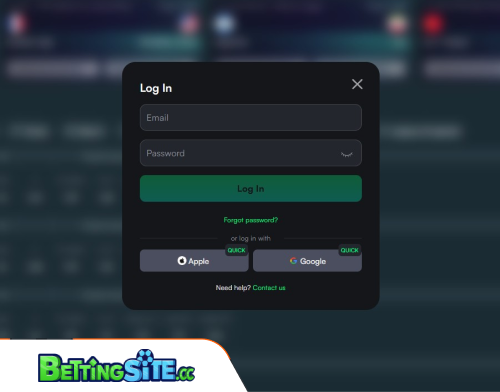 Creating an account at TrueLuck is quick and easy, especially if you choose to sign up using your Google or Apple account. This method makes the process almost instant, helping you skip extra steps. Even with the fast sign-in, you will still be asked to enter a few basic personal details to complete your registration. Everything is laid out clearly so you always know what to do next.
When you want to log back in, just head to the Log In button located in the top right corner of the website. It’s easy to spot and works the same on both desktop and mobile. You can either type in your usual login details or link your Apple or Google account again for a faster route. The overall design of the site keeps things simple, so every step feels smooth and user-friendly. That kind of ease really helps make the experience better.
How to create an account and log in TrueLuck:
Choose how to create an account
You have three options. The quickest ones are to use your Google or Apple account to sign up instantly. The third option is the standard one – email and password. We’ll discuss it now.

First step – basic details
Provide your email address and choose a password. Select the currency from the dropdown menu and accept Terms and Conditions, also confirming your are at least 18 years old. Click Continue.
Second step – personal details
Fill out your names, select your country and provide your city and address. Click the green button Continue.
Third step – more personal details
In the last step, you need to provide sex (male or female), date of birth and a phone number. Fill out the fields and click the green Sign up button to complete the registration. You are ready to deposit now.
